

/login to sign in to SunPaste.
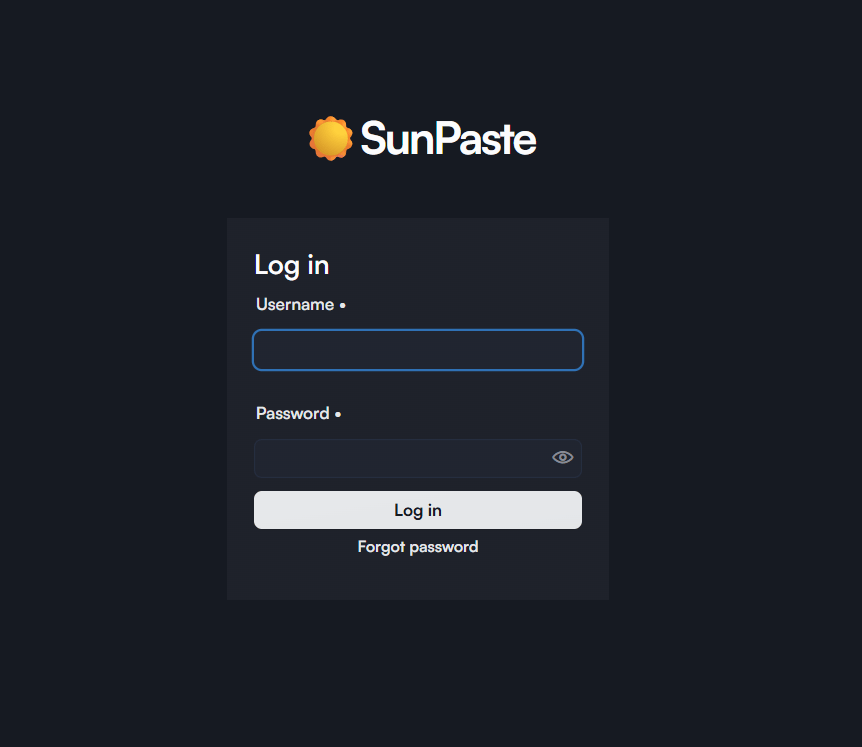
- The site/application name
- A standard username/password login form
- A
Forgot passwordlink
Default admin credentials
On a clean setup, the defaults are:- Username:
admin - Password:
admin
After login
By default, a successful login sends you to/dashboard. If you were trying to open a protected paste before logging in, SunPaste redirects you back to it instead.
Forgot password flow
The built-in password reset flow is only for the settings-based admin account.- Click
Forgot password. - Enter the admin username.
- SunPaste generates a 6-digit code.
- The code is written to the server logs.
- The code is valid for 5 minutes.
- You get up to 5 attempts to enter it.
- After successful verification, you set the new password.
This flow does not send an email. The reset code is logged server-side for the operator to use.
What this page does not include
- There is no public registration form.
- New users must be created from
/admin/users.